Click to download now, finish the installation quickly, and directly unlock the all-round experience
Screenshots

Click to download now, finish the installation quickly, and directly unlock the all-round experience
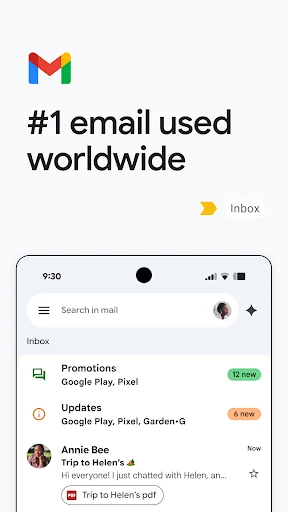
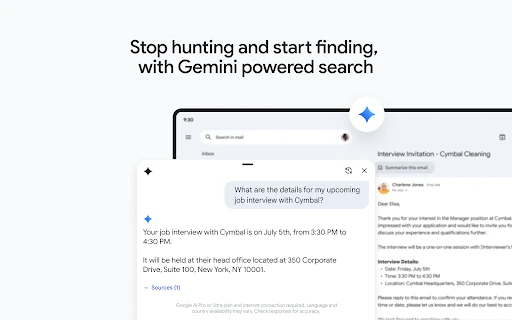
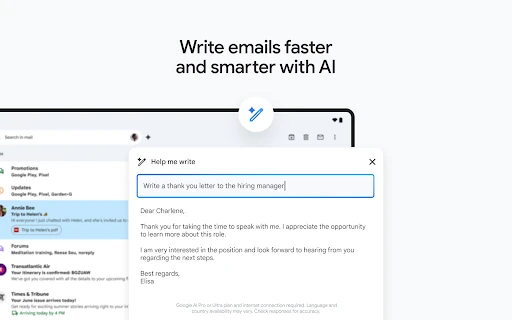
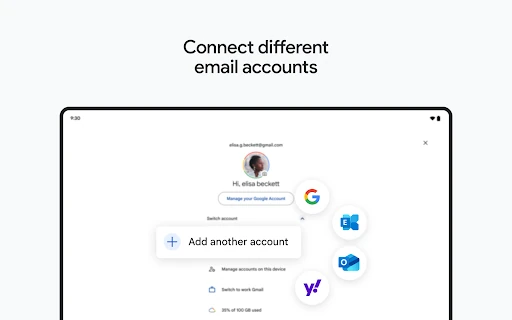
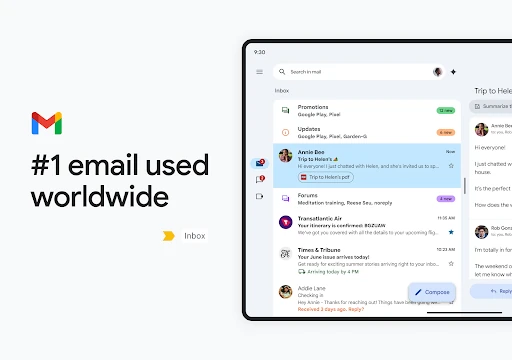
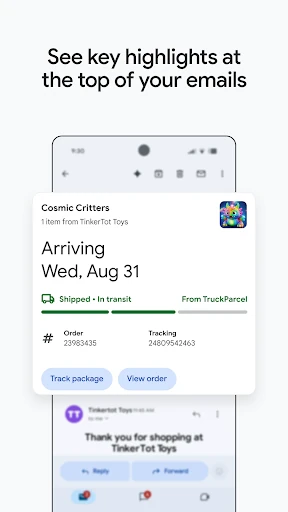
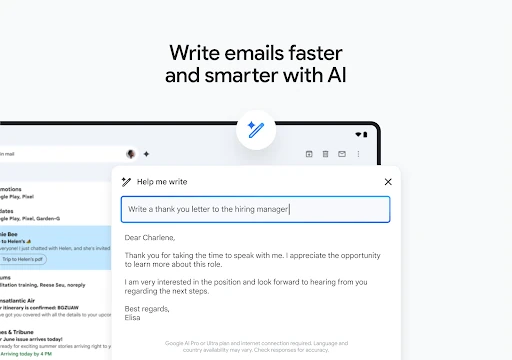
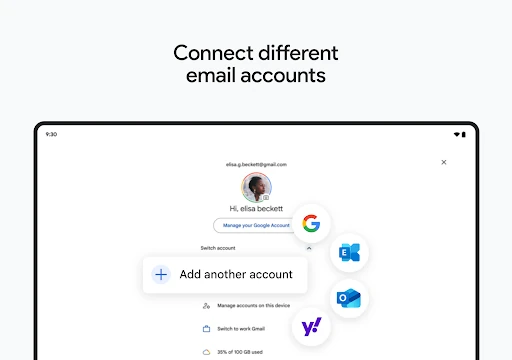
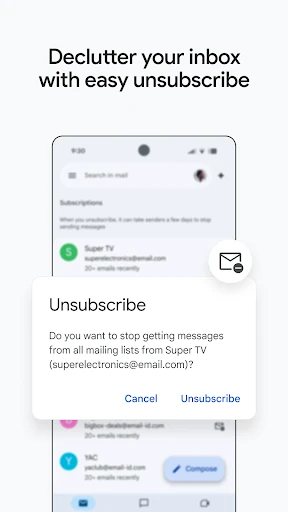
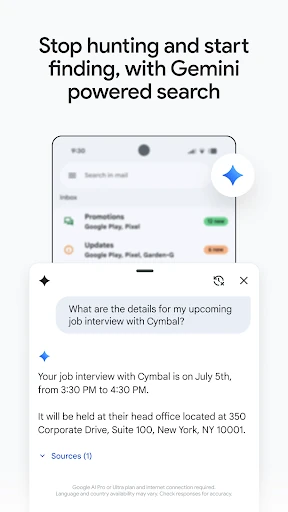
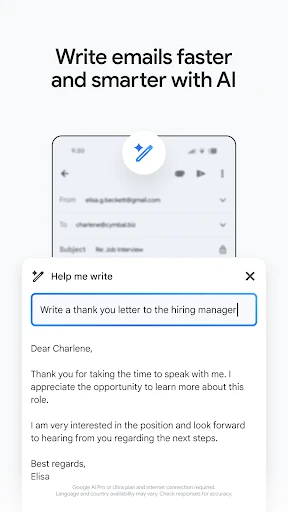
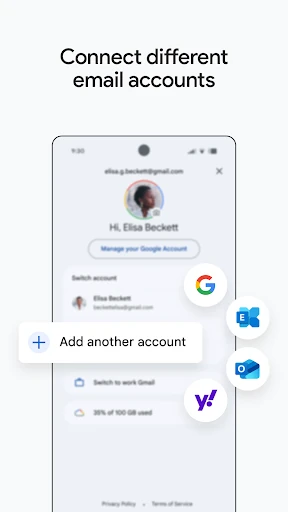
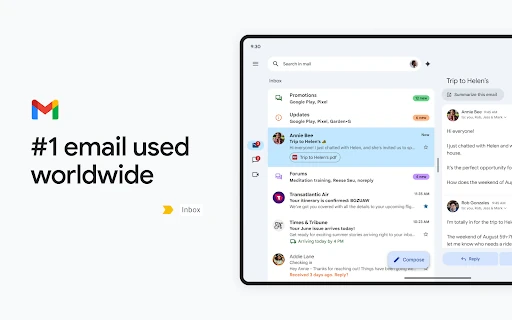
Gmail lets you read, write, send and manage email from an Android device. It suits anyone who wants one place to check messages, whether they use a Google address or bring other email accounts into the app. You can search your mail, sort messages into categories and keep track of conversations in threads.
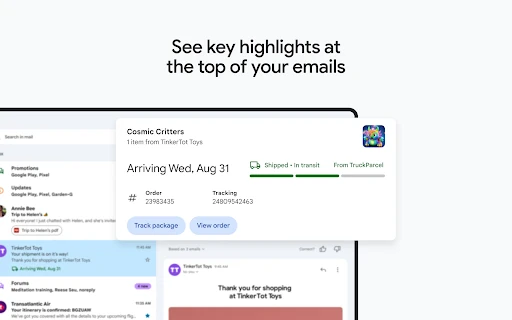
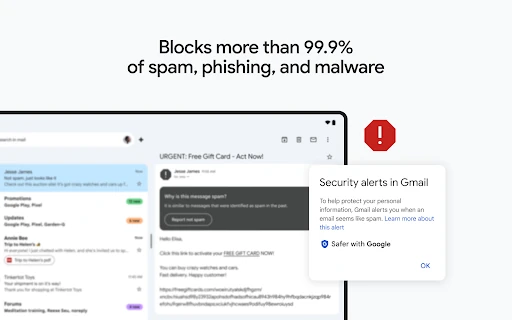
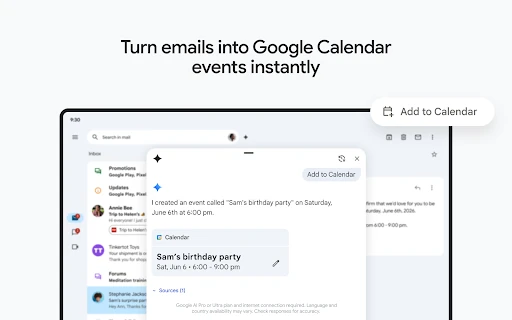
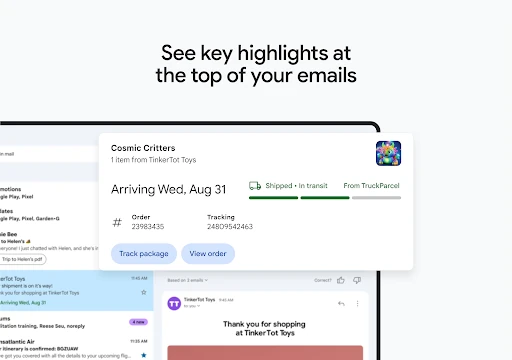
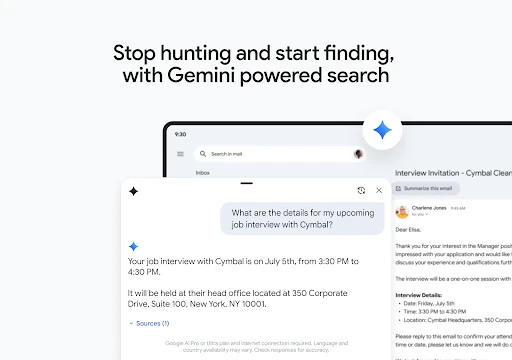
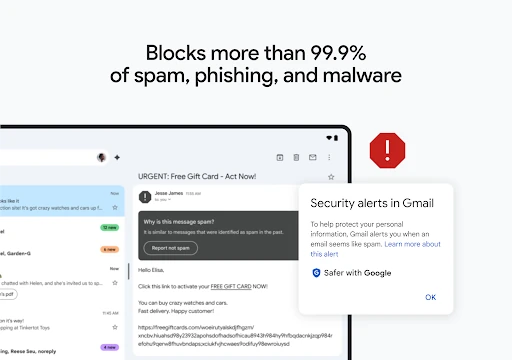
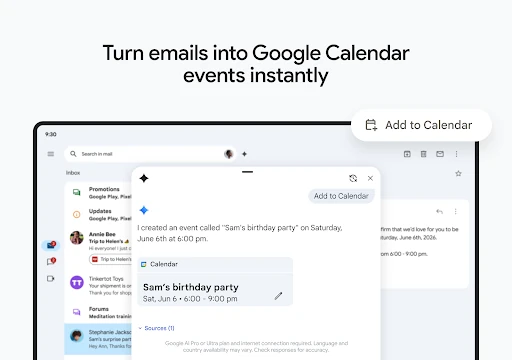
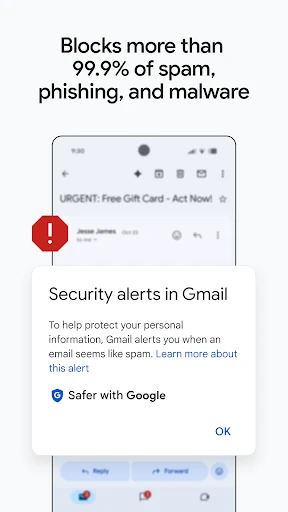
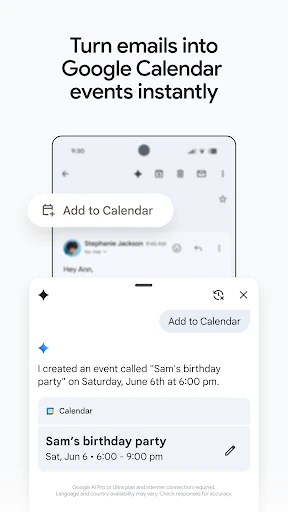
Spam and phishing filters help keep unwanted or risky messages out of the way. Search is useful when an email is no longer near the top of the inbox, while message categories and labels give you ways to separate different kinds of mail. Gmail can also connect email with Google services such as Calendar, Chat and Meet, so related communication is available in the same app.
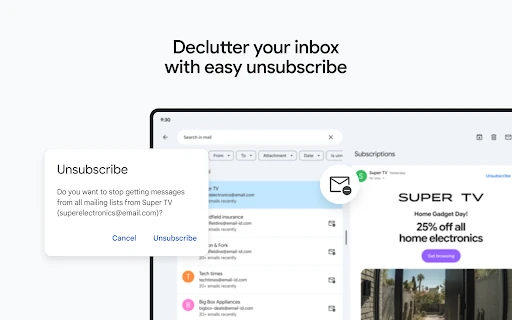
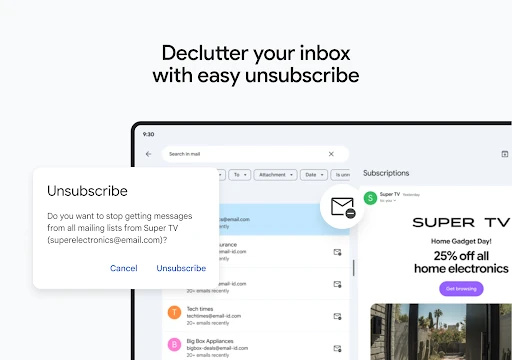
These tools make Gmail more than a basic mailbox, but they do not remove the need to manage your own inbox. Messages still arrive, and finding or sorting them depends on the information you have and the way you organise your mail.
The main benefit is practical: you can check and respond to email without being at a computer, and search across your messages when you need to find something. The app is most useful if email is already part of your daily routine or you rely on Google services. If you rarely use email, its extra organisation and connected tools may not change much for you.
Gmail is developed by Google LLC. Its 4.1-star rating comes from about 14.2 million reviews, and the listing reports more than 10 billion installs. Those figures show wide use; they do not guarantee that its inbox or connected services will suit your preferences.