Widgets OS 18 - Color Widgets
ZipoApps
Downloads
10,000,000+
Source
Google Play
Click to download now, finish the installation quickly, and directly unlock the all-round experience
Screenshots
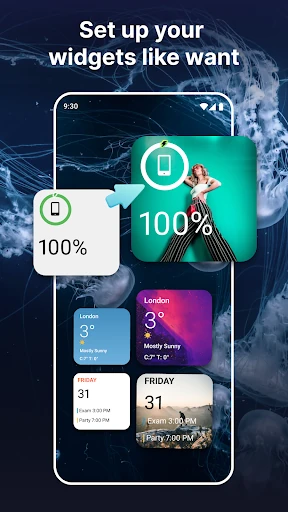
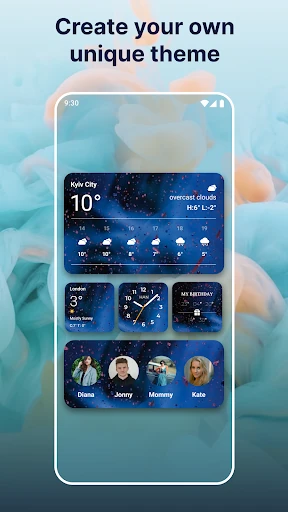
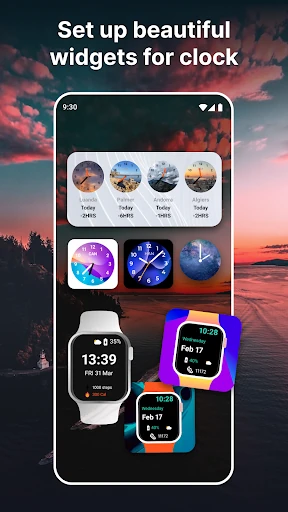
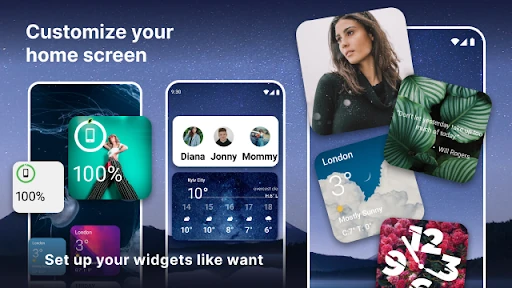
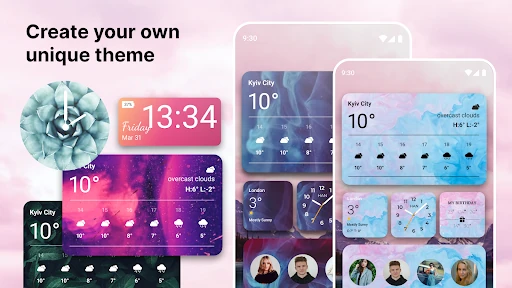
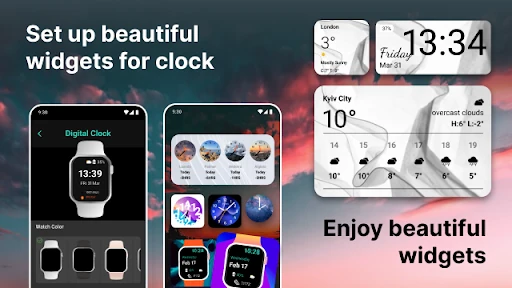
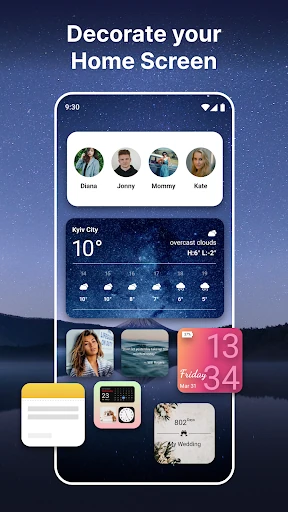
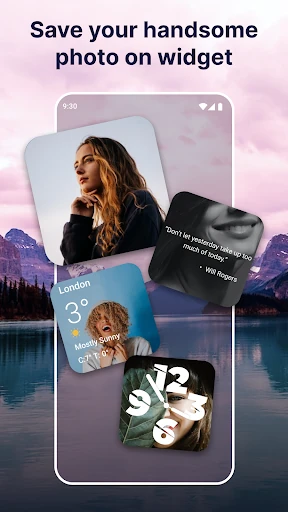
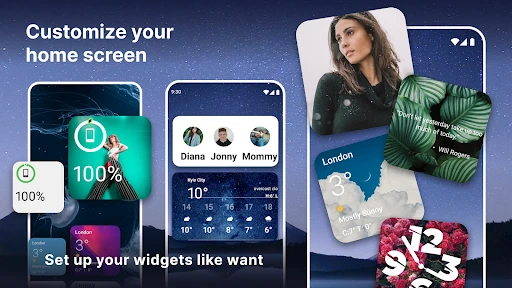
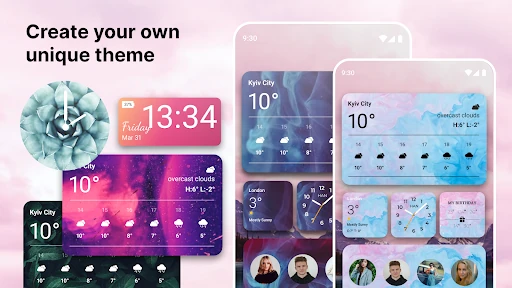
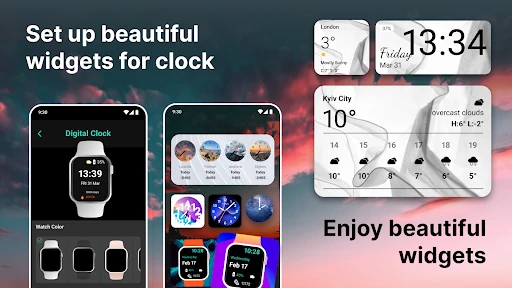
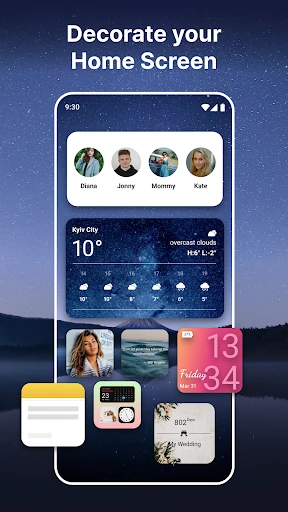
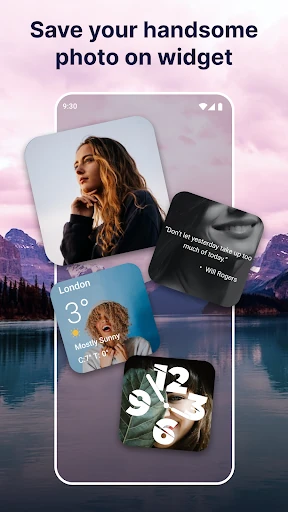
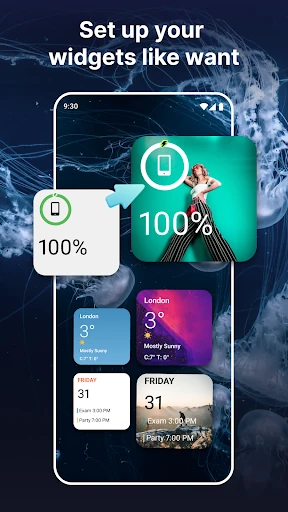
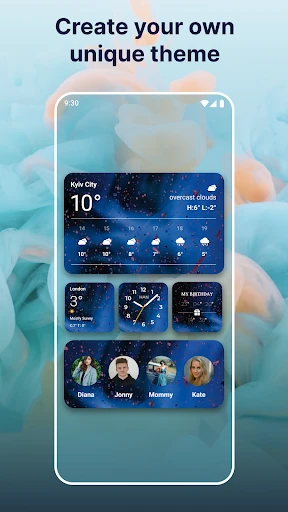
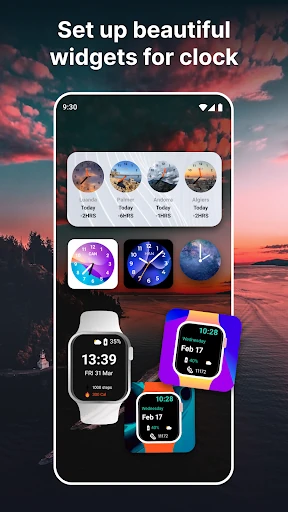
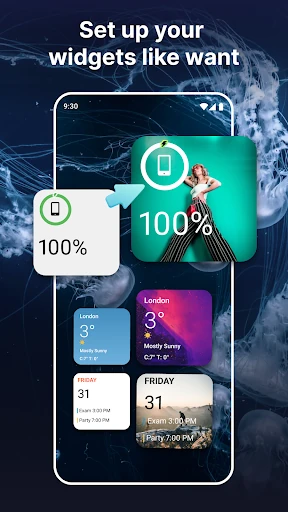
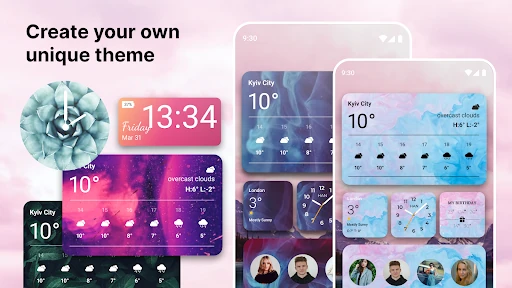
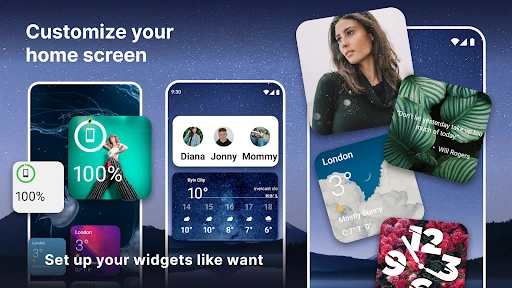
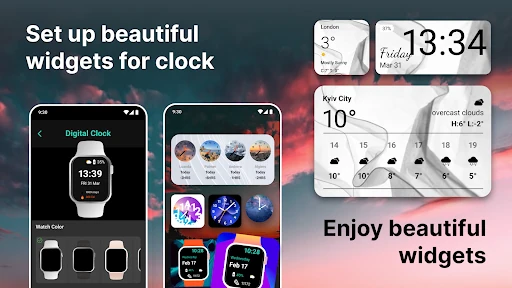
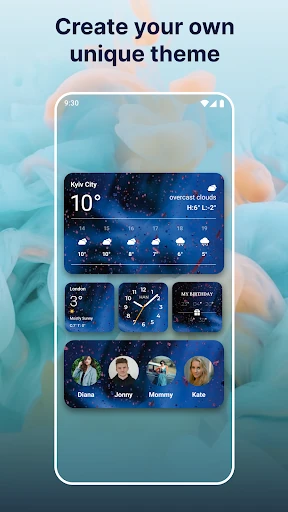
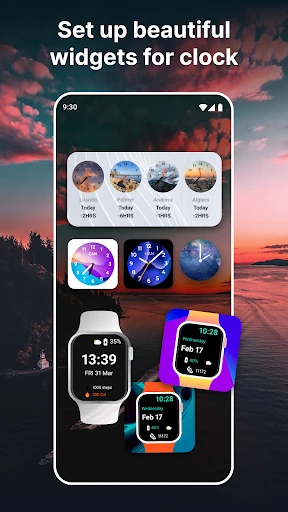
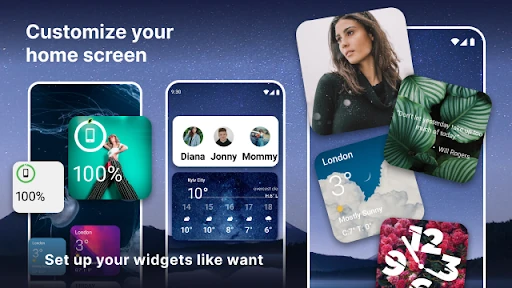
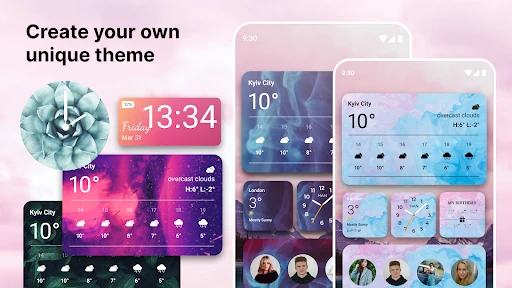
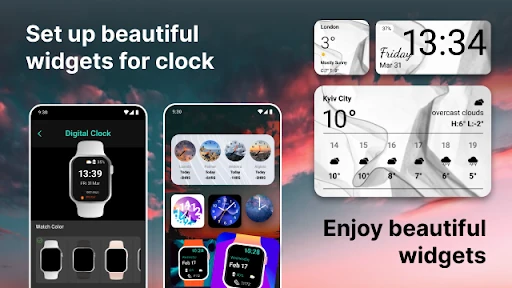
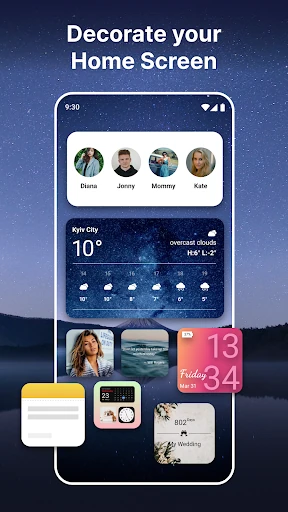
Click to download now, finish the installation quickly, and directly unlock the all-round experience
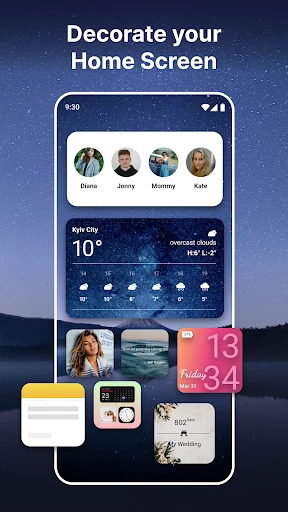
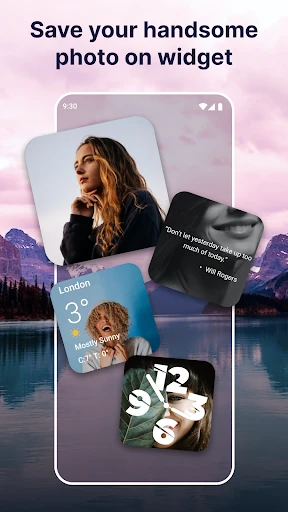
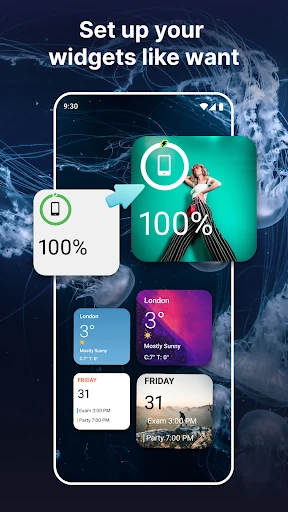
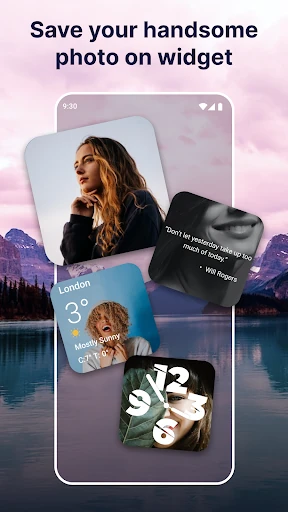
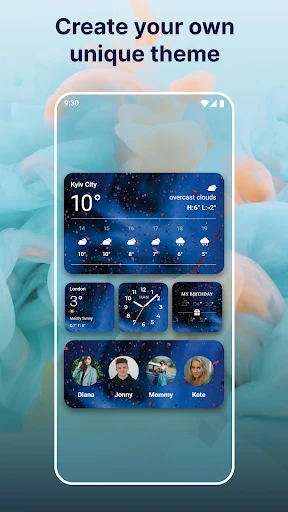
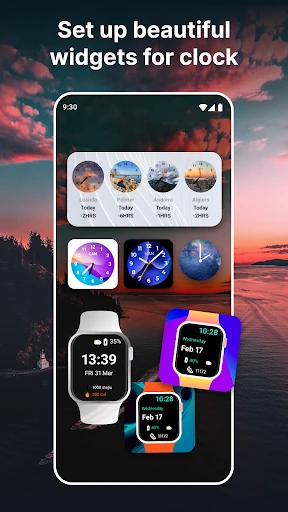
Widgets OS 18 - Color Widgets lets Android users add customizable, OS 18-inspired widgets to their home screen. It suits people who want key details and personal touches visible without opening separate apps. Widget layouts come in small, medium and large sizes, so you can choose how much screen space to give them.
The available widgets cover a mix of practical information and decoration:
You can also adjust widget colors and fonts. The result is a way to change the look of your home screen and keep selected information in view; it is not a replacement for the apps or services that provide that information.
This is a personalization app for people who enjoy arranging their home screen, especially those drawn to the visual style associated with OS 18. It offers several kinds of widgets in one place, from glanceable counters to photos and notes. If you want a widget for a specific task not listed here, the supplied details do not establish that it is included.
ZipoApps publishes the app in the Personalization category. Its rating is about 4.7 out of 5, based on 354,416 ratings, and it has more than 10 million installs. Those figures suggest broad uptake, but the main value is straightforward: more control over what your Android home screen looks like and which supported details it shows at a glance.